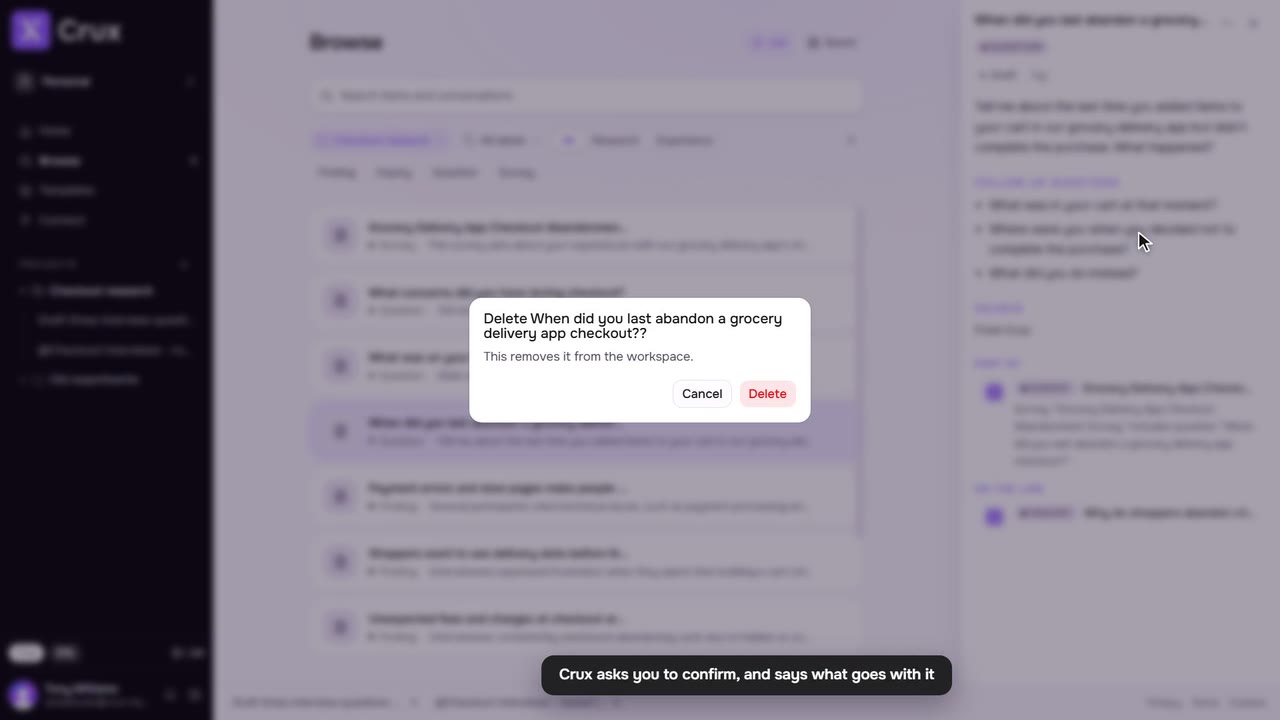
Archive a thread to take it out of the sidebar. Everything it made stays in Browse, and the thread itself is one search away.
Step by step
Step 1: Archive a thread
Click … beside the thread in the sidebar (or right-click it) and choose Archive. It leaves the sidebar and its tab closes.
Step 2: Find it again
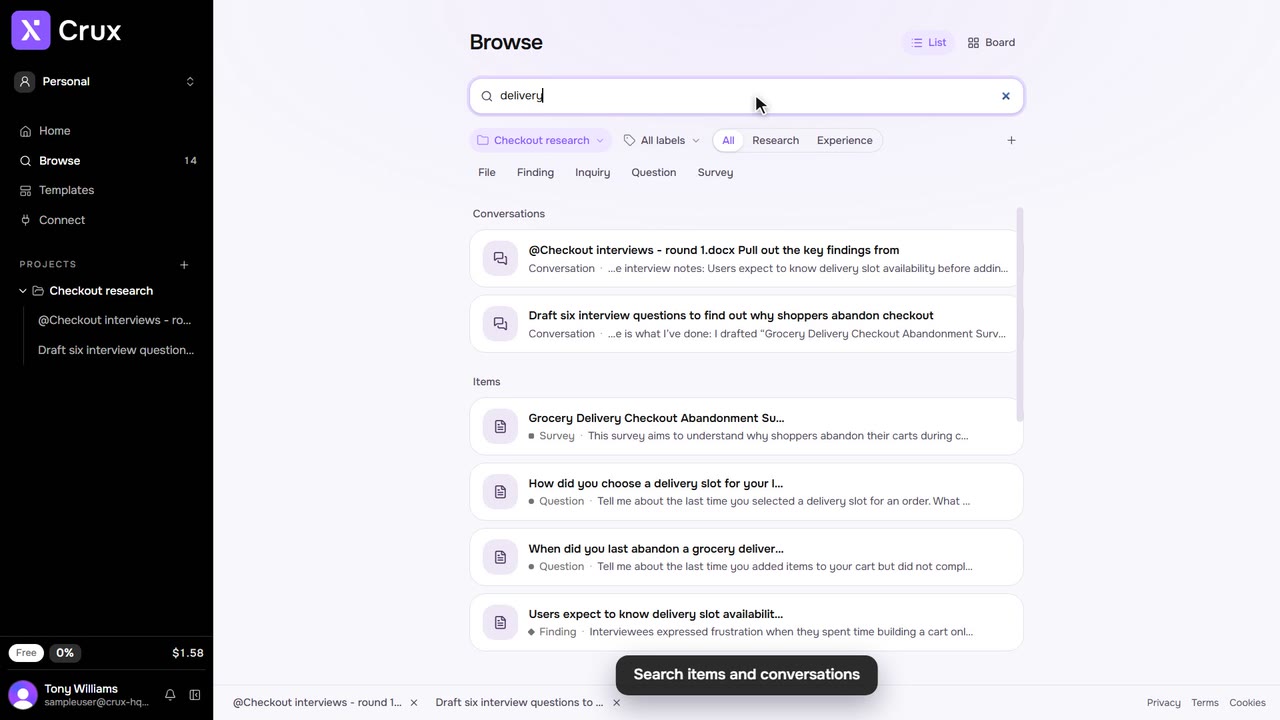
Open Browse and search for it. It shows under Conversations, marked Archived conversation.
Step 3: Restore it
Click Restore beside it in the search results, or open it and click Restore in its header. Replying in an archived thread restores it too.
Tips
- Archiving cannot be done while Crux is still working in the thread.