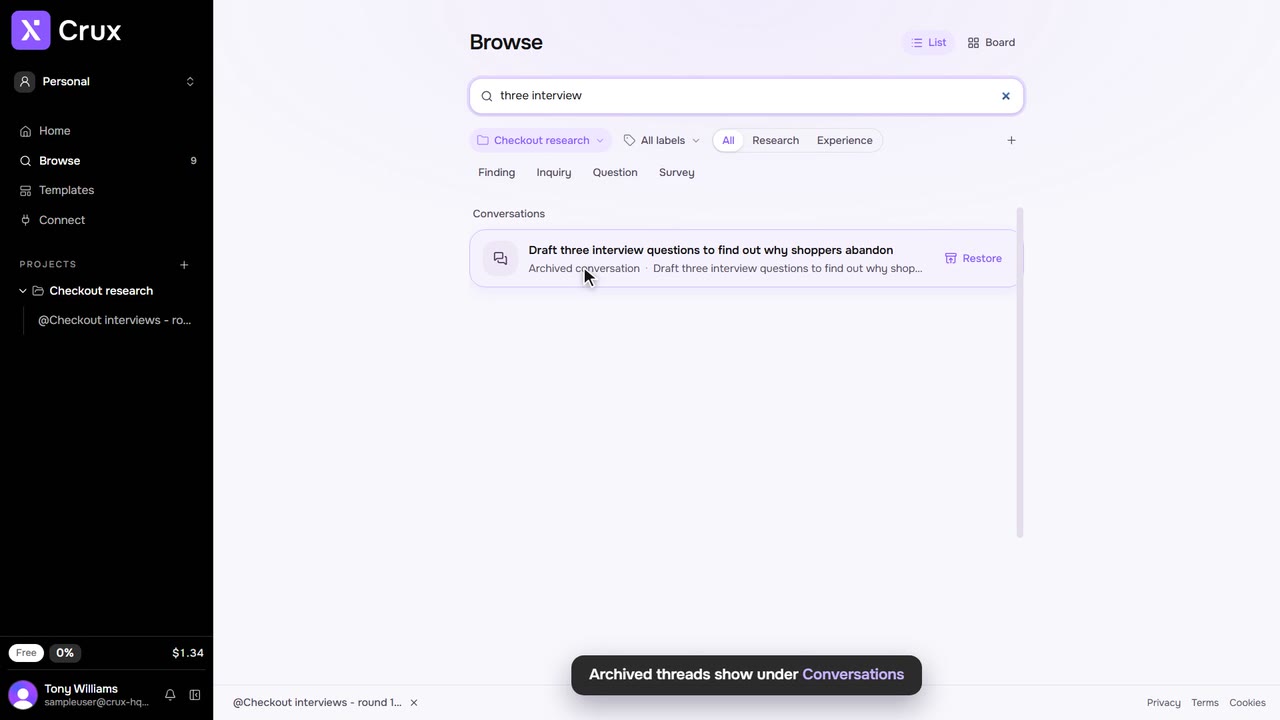
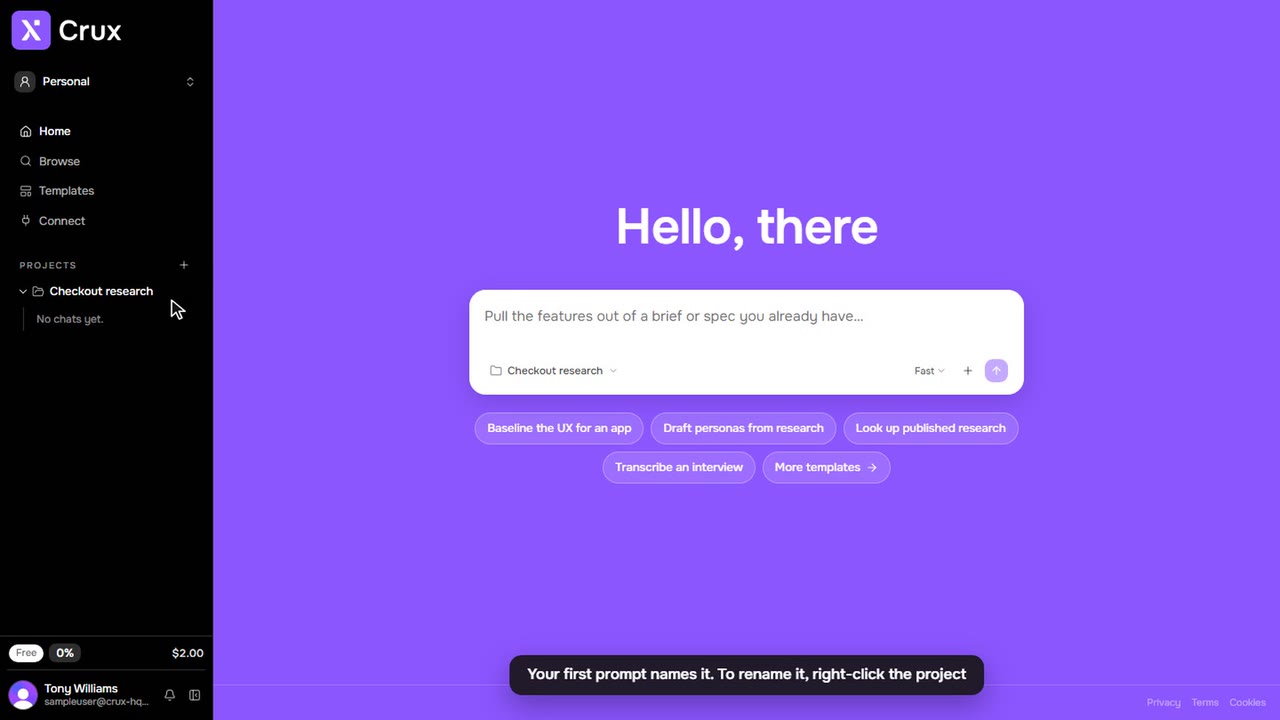
Deleting removes work from your workspace. Each kind of delete asks you to confirm first, and says what it takes with it.
Step by step
Step 1: Delete an item
Open the item’s … menu, choose Delete and confirm. To delete several, select them in Browse, click selected and choose Delete.
Step 2: Delete a thread
Click … beside the thread in the sidebar (or right-click it), choose Delete and confirm. The items the thread made go with it.
Step 3: Delete a project
Click … beside the project (or right-click it), choose Delete and confirm. Every thread and item in the project goes with it.
Step 4: Remove a highlight
Click the highlighted text and choose Remove highlight.
Tips
- A delete cannot be undone from the app. To get a thread out of the way without losing it, archive it instead.
- Deleting an uploaded file also removes its transcript and the findings that quote it.
- In a team, only an admin or the person who created a project can delete it.