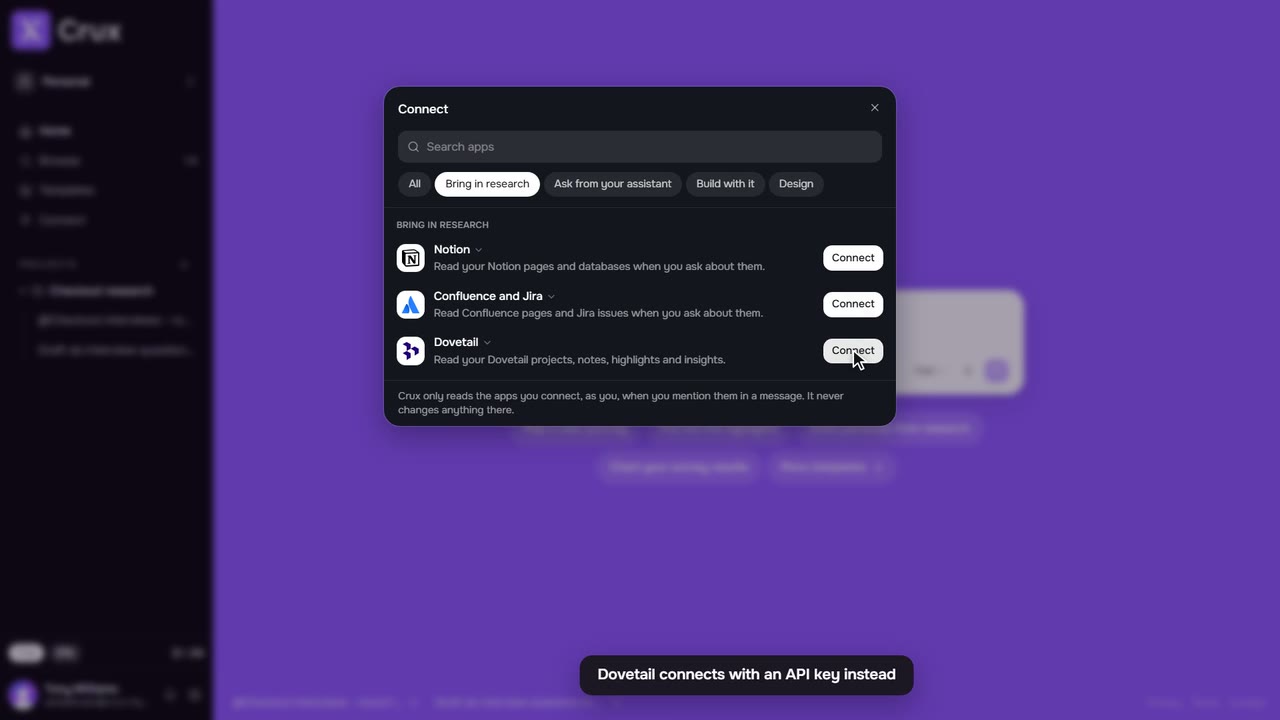
Crux can answer from your projects inside the other tools you work in. Connect an assistant or an editor once, sign in to Crux, and ask it about your research or have it brief a build.
Step by step
Step 1: Open Connect
In the sidebar, click Connect, then choose Ask from your assistant or Build with it.
Step 2: Claude or ChatGPT
Click Set up. Crux copies its address and opens that app’s connector settings. Paste the address there and sign in to Crux when asked. Back in Connect, Resume opens the settings again and Cancel leaves it for now.
Step 3: Claude Code, Cursor, VS Code or Codex
Click Copy command or Install, run it, and sign in to Crux when your editor opens the browser.
Step 4: Ask from there
In that tool, ask about a project, such as What do we know about checkout drop-off?, or ask for a build brief from your Crux research.
Step 5: Figma
The Crux plugin for Figma is listed under Design and is coming soon. It will answer from your research inside Figma, check designs against it and pin findings to frames.
Tips
- Assistants read the projects you can see. They cannot change your work.
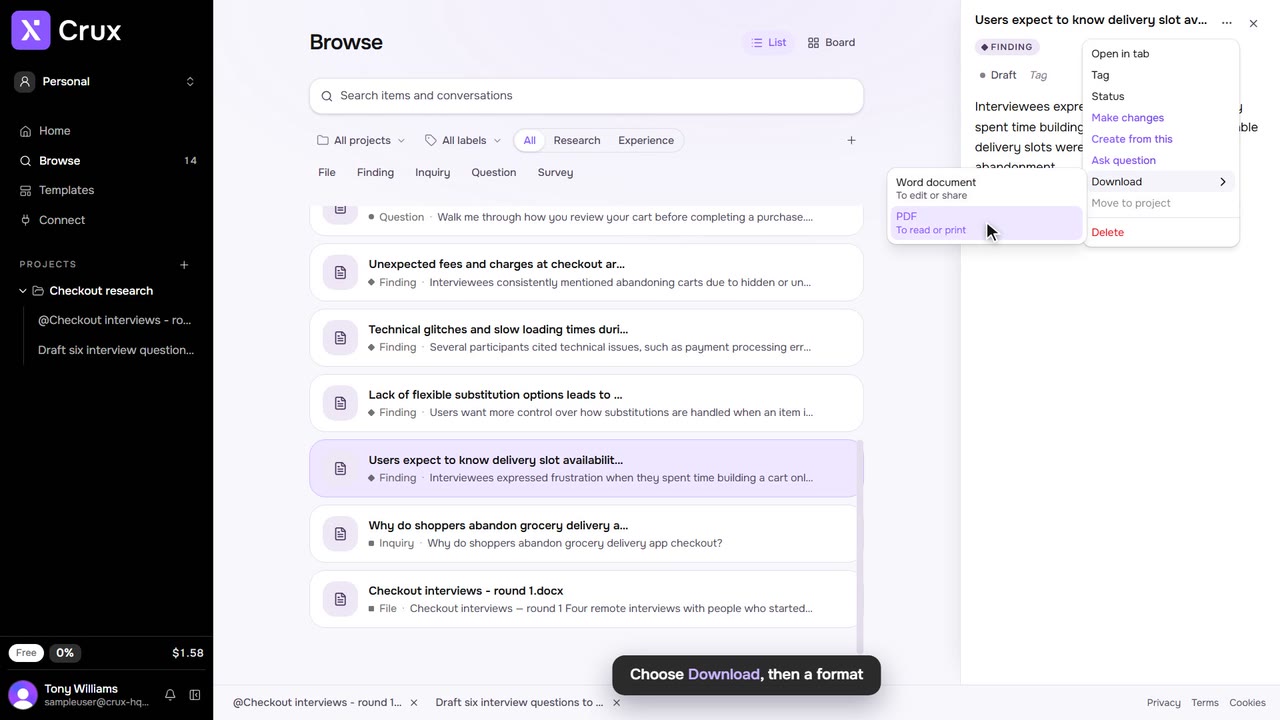
- To share with people, use a team space, or send an export: its Open in Crux link opens the item for anyone with access.