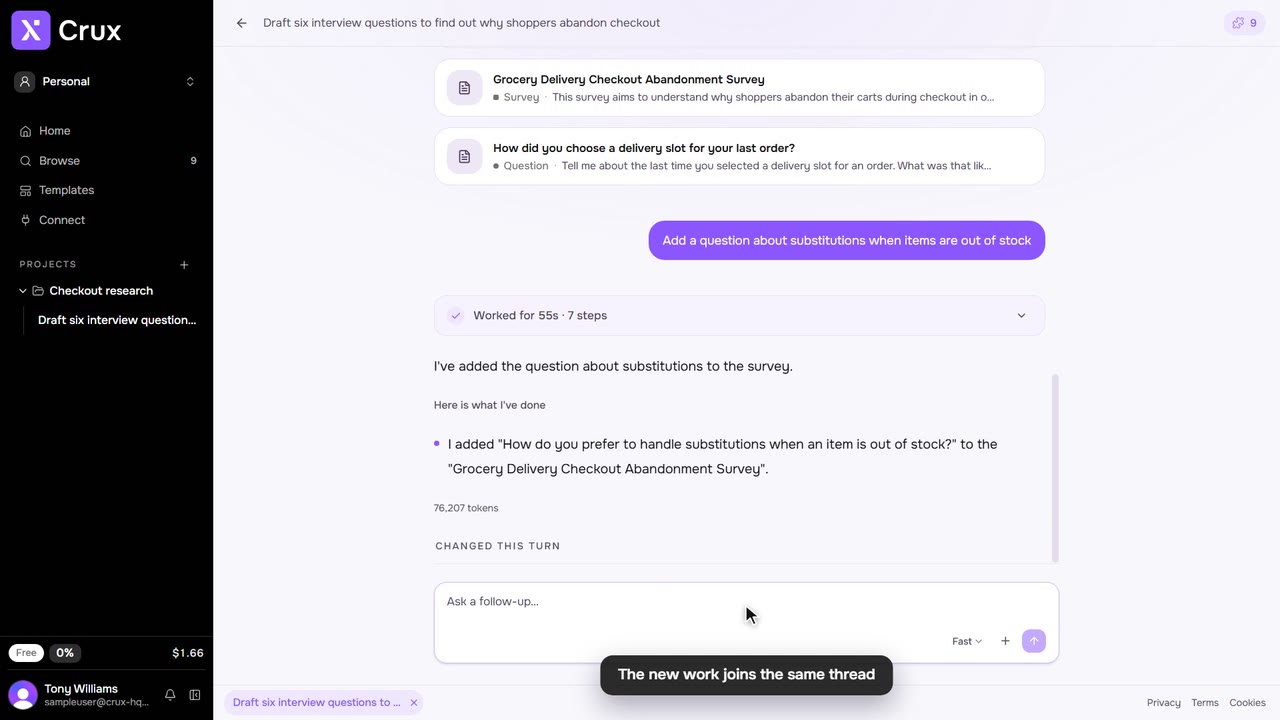
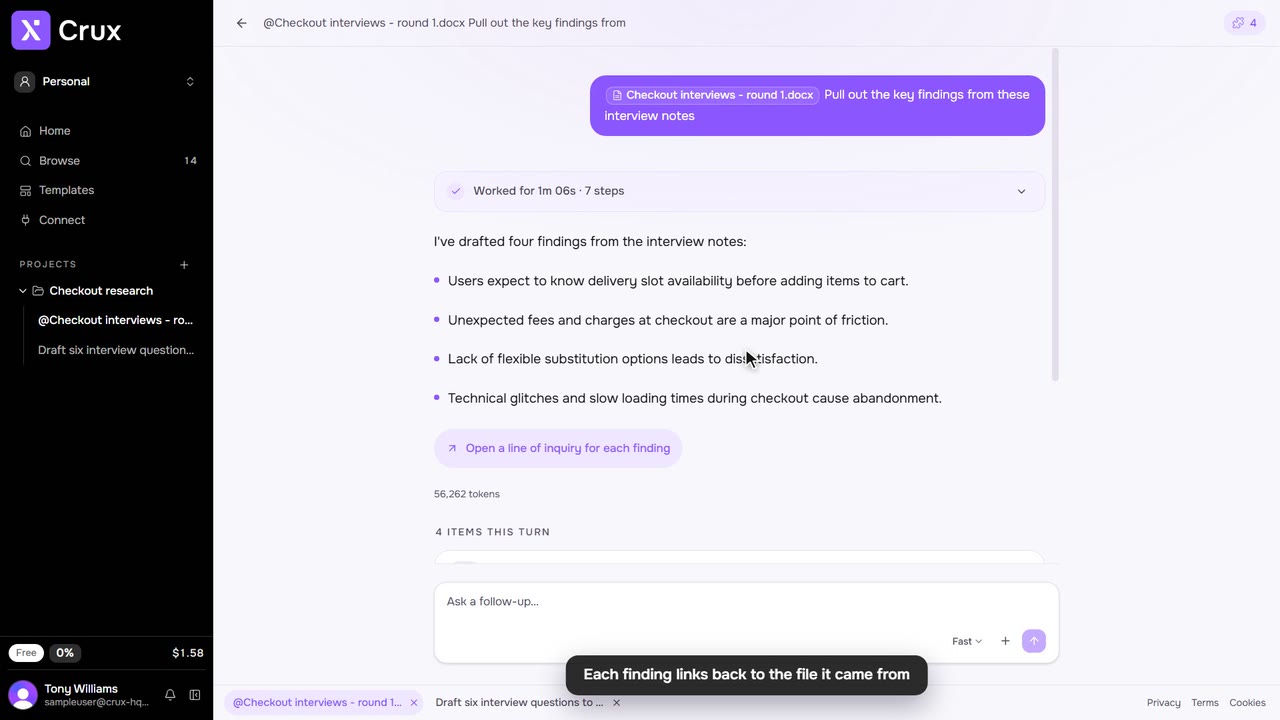
A template is a ready-made prompt for something Crux often makes. Pick one, fill in the details, and send it like any other message.
Step by step
Step 1: Open the templates
Click one of the suggestions under the composer on Home, or More templates for the full list. You can also click Templates in the sidebar.
Step 2: Find the one you need
Type in Search templates: for example, journey, survey or interview.
Step 3: Fill it in and send
Choose a template. It sits in the composer as a chip, with a hint of what to add. Type what Crux needs to know, such as the product, the people or a link, and press Enter.
Step 4: From the composer
Type / at the start of a message to pick a template without leaving the composer.
Tips
- Templates include notes, interview questions, surveys, data tables, charts, personas, user journeys, flows, pages, features, site structure, service blueprints, findings and transcribing a recording.