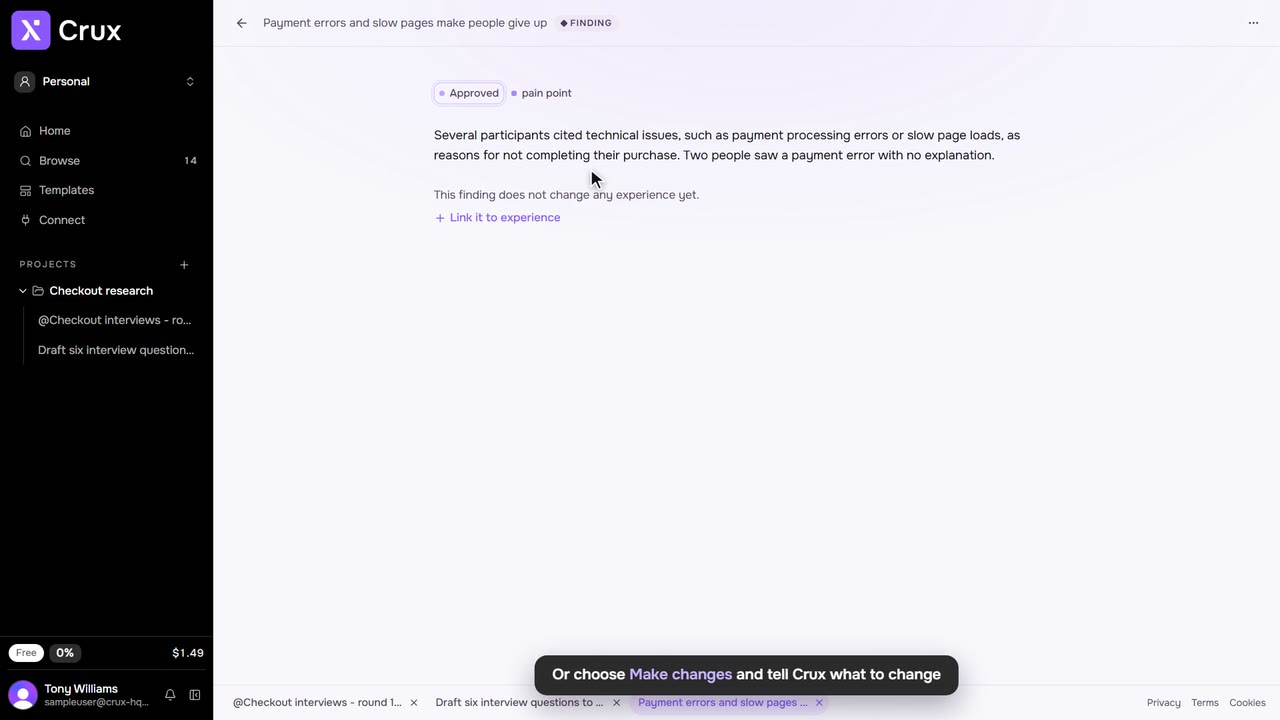
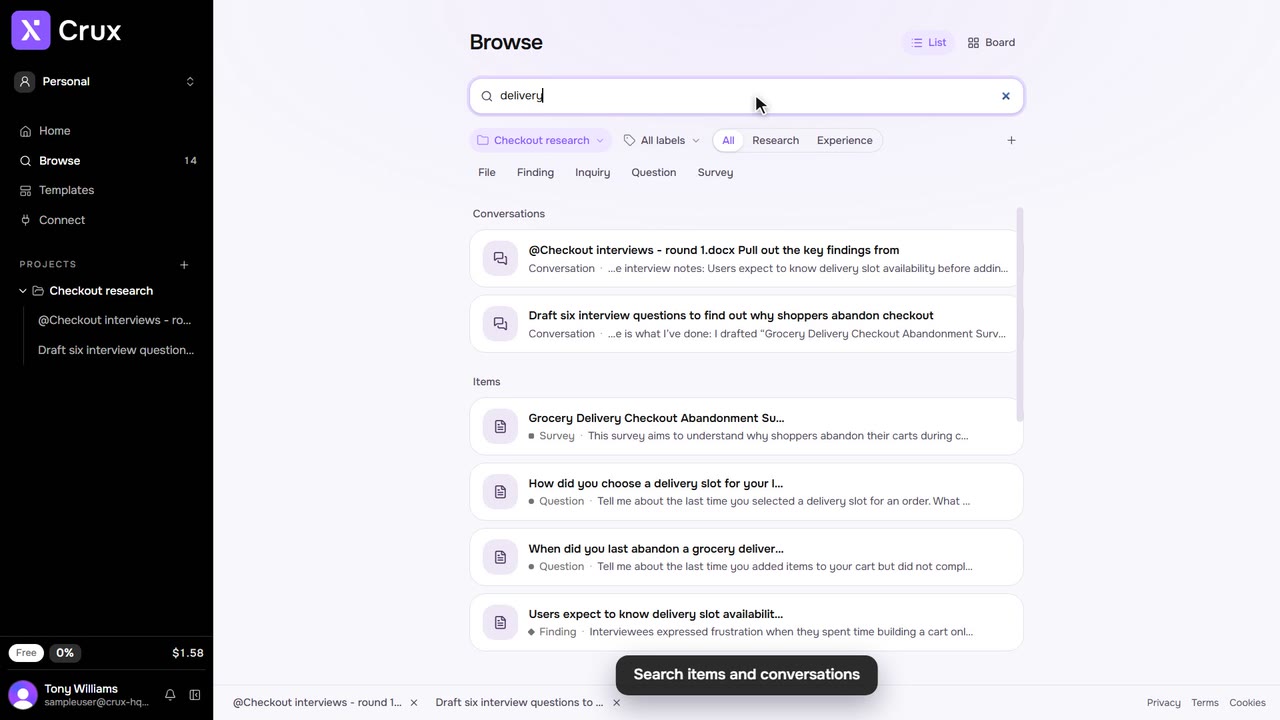
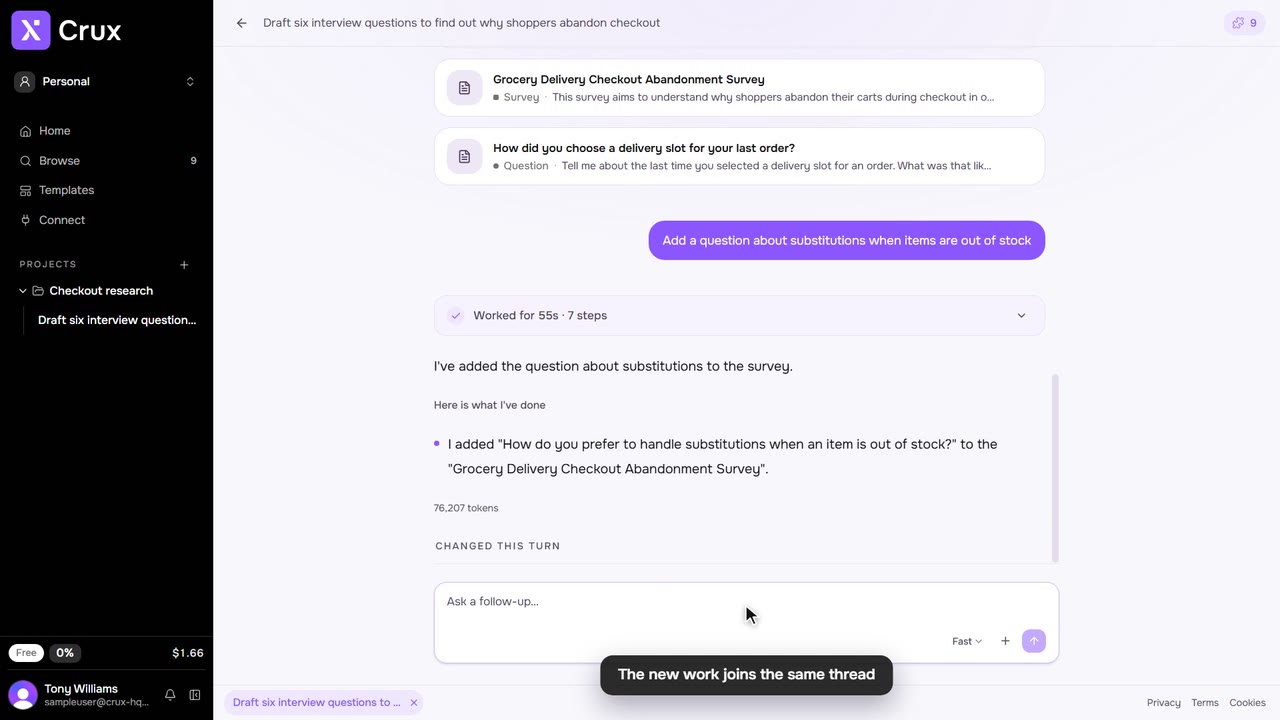
Crux answers from the research in your project and shows what it used. Ask in a thread, or start from exactly what you want to ask about.
Step by step
Step 1: In a thread
Type your question in the composer and press Enter. Type @ to cite a piece of research, experience or a plan so Crux works from it.
Step 2: About an item
Open the item’s … menu and choose Ask question, type in Ask a question about this… and send. To ask about several items at once, select them in Browse first.
Step 3: About a passage
Select text in any item. In the toolbar that appears, click Ask, type your question and send.
Step 4: Answer Crux’s questions
When Crux needs a decision before it goes on, it asks, marked Your call. Click an option, or Something else to answer in your own words.
Tips
- A question about items from one thread carries on in that thread. Otherwise Crux starts a new one.
- To have Crux change an item rather than answer about it, choose Make changes from the same menu.